Friction maxxing means adding effort back into what tech made effortless. What the trend is, what research says, and how to apply it.
November 18, 2026

Updated November 18, 2026.
Friction maxxing is the idea of deliberately adding effort back into the things technology has made effortless. Instead of the fastest, smoothest option, you sometimes choose the slower one on purpose: a paper map instead of turn-by-turn directions, a phone call instead of a text, a recipe cooked from scratch instead of a delivery app.
The phrase took off in January 2026 with an essay by writer Kathryn Jezer-Morton in The Cut, "In 2026, We Are Friction-Maxxing", and spread quickly across social media, podcasts and magazines (The Week). For most people, the place it matters most is the phone.
"Friction" is anything that makes an action a little harder: an extra step, a wait, a missing shortcut. "Maxxing" is internet slang for pushing something as far as it goes. Put together, friction maxxing means choosing more effort where effort is good for you.
Common examples:
Jezer-Morton's argument is that a lot of technology treats ordinary life as an inconvenience to get rid of. Every app promises to remove a step, and the steps it removes are often the ones that made us think, talk to someone or notice where we were. Rebuilding some tolerance for effort, she argues, gives some of that back.
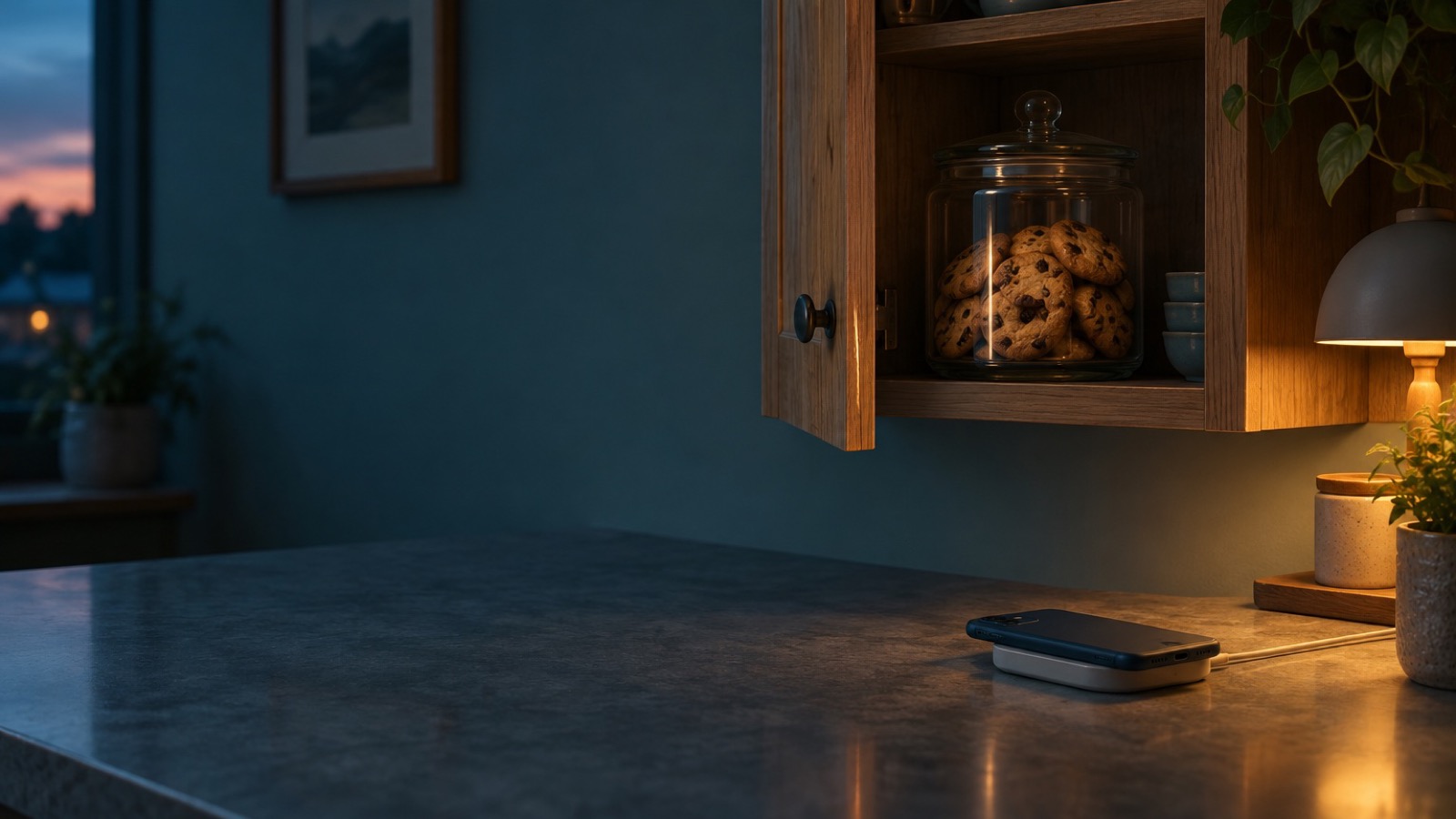
The idea isn't new in behavioral science. Small amounts of friction have long been used to steer habits: put the snacks on a high shelf and you eat fewer of them. Friction maxxing applies the same logic to the rest of daily life, and especially to the phone, where the friction has been removed most aggressively.
For phones, there's decent evidence that small frictions change behavior.
Two honest caveats. Effects tend to be strongest early, and friction that's too easy to switch off gets switched off. That's why the frictions that last are the ones you set up once, in advance, rather than ones you have to choose again every time.
Start with the free changes, then add structure where you still lose time.
Settings are easy to undo in a weak moment. Opal adds friction that stays put:
Opal is free to download on iPhone and Android, with three Rules on the free plan. The Waiting Room and difficulty levels are on iPhone; on Android, Opal offers Sessions, Schedules and app limits.
Friction maxxing doesn't mean making everything harder. The point is to add effort where you lose time and keep things easy where you want to be. Calls, messages, maps when you're actually lost, banking and your calendar should stay one tap away. In Opal, mark those as Always Allowed so no Rule ever gets in their way, and put the friction on the feeds.
A useful test: if you'd be glad you did it the slow way, add friction. If the slow way only makes your day worse, don't.
Not everyone is convinced. Some writers see friction maxxing as an aesthetic more than a change, with paper maps and film cameras as props for social media. Others point out that choosing inconvenience is easier when you have time to spare. Both are fair. You don't need a flip phone or a new identity. A few small frictions on the two or three apps that eat your day do most of the work.
Deliberately choosing more effort in everyday tasks that technology has made effortless, to stay more present and less on autopilot. On phones, it usually means adding pauses, limits or inconvenience to the apps you overuse.
Both spellings are used. "Friction maxxing" with two x's follows internet slang like "looksmaxxing" and is the more common form. You'll also see "friction-maxxing" and "frictionmaxxing".
No. A digital detox cuts technology out for a period of time. Friction maxxing keeps the technology and makes the unhelpful parts harder to reach, which tends to be easier to keep up.
No. You can get most of the effect on the phone you have with grayscale, fewer notifications and a few Rules. If you want to go further, here's how to turn your iPhone into a dumb phone.
Yes, if the friction is hard to skip. A pause before an app opens, a limit on opens, or a Rule you can't cancel adds the effort at the moment you'd otherwise scroll without thinking.