How students use a screen time app to block social media while they study and set limits for homework and sleep.
November 15, 2026
Updated November 15, 2026.
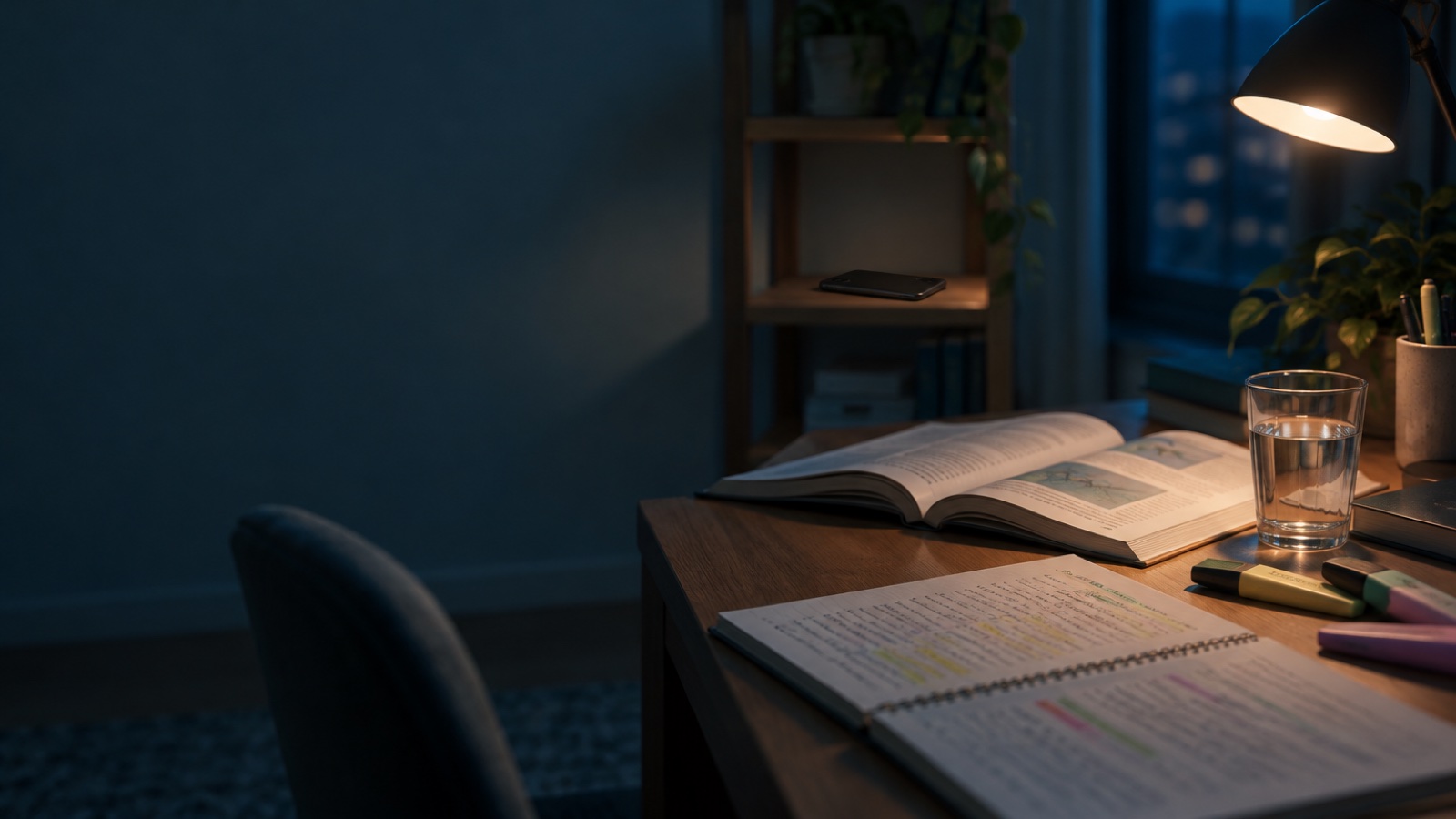
Most students don't need more willpower. They need fewer chances to open the app that eats the evening. A screen time app takes that decision away for the hours that matter: class, homework and sleep.
Opal is free to download on the App Store and Google Play, and you can set all three up in a few minutes.
iPhone Screen Time and Android Digital Wellbeing can set app limits for free, and they're a good place to start. They're also easy to dismiss with one tap. A dedicated app adds schedules that start on their own, sessions you can't cancel, and a regular picture of your habits.
Some schools now run phone policies during the school day. With Opal for Schools, distracting apps are blocked from the first bell to the last, calls and texts stay open, and after school students get Opal PRO for free to set their own limits. Students on Opal for Schools average 3h 49m of screen time a day, 106 minutes less than the 5h 35m teen benchmark (Opal data, October 2025; JAMA Pediatrics 2025).
Students can get a discount on Opal PRO: see the student discount.
Yes. Opal is free to download on iPhone and Android. iPhone Screen Time and Android Digital Wellbeing are built in.
Yes. Set a schedule for the days and hours you study, and pick which apps to block.
More guides: how to focus on homework, how to block TikTok on iPhone, how to block Instagram on iPhone.